Still emailing files to yourself because the office has no shared drive? Or maybe you do have a shared folder somewhere, but nobody trusts it, nobody backs it up, and one wrong click away from disaster? If your office is in Al Qusais, near Damascus Street, or anywhere in the surrounding Al Nahda or Al Twar area, a properly configured QNAP NAS (a small, purpose-built office storage box that lets your whole team share, access, and automatically back up files from one central place) could fix that problem this week.
In this guide
- What Does a QNAP NAS Setup Actually Give Your Business?
- Which Businesses in Al Qusais Benefit Most?
- How the QNAP NAS Setup Process Works, From First Call to Handover
- Local vs Cloud Storage: Which One Is Right for Your Office?
- What Affects the Cost of NAS Setup in Al Qusais?
- How to Prepare Before the Engineer Arrives
- Questions to Ask Any IT Provider Before You Book
- When You Might Not Need a NAS Yet
- Need NAS and Backup Solutions in Al Qusais? Let’s Talk
- FAQ
What Does a QNAP NAS Setup Actually Give Your Business?
A QNAP NAS is not just a hard drive you plug in. When configured correctly, it becomes the quiet backbone of how your team stores, shares, and protects every file in the office. According to QNAP’s official documentation, their NAS devices support RAID data redundancy, scheduled snapshot backups, VPN-ready remote access, and integration with cloud services, all from a single appliance that sits on a shelf or in a small rack.
Here’s what you actually get when this is set up properly for your office:
- Centralised shared storage: every team member accesses the same files from their desktop or laptop, no more versioning chaos or “which USB was that on?”
- RAID redundancy built in: drives are mirrored or striped so that if one disk fails, your data survives intact while you replace the drive.
- Automated scheduled backups: backups run overnight or hourly without anyone pressing a button, protecting you from accidental deletions and ransomware.
- Secure remote access: staff working from home or on the road can reach office files safely without risky file-sharing links.
- Scalable capacity: add more drives or expand to a larger unit as your business grows, without starting from scratch.

Need QNAP NAS Setup in Al Qusais?
Our engineer visits your office near Damascus Street, installs and configures everything, and your team starts sharing files the same day.
Which Businesses in Al Qusais Benefit Most?
Centralised NAS storage suits any office where more than two people share files regularly. In Al Qusais and its surrounding areas, that covers a wide mix of businesses. Trading companies in the Al Qusais Industrial Areas often store hundreds of product catalogues, supplier contracts, and delivery records that need to be accessible to the whole team at once. Real estate offices along Al Nahda Road regularly work with large floor-plan files and signed agreements. Clinics, logistics firms, and retail back-offices all face the same core problem: too many files, too little organisation, and no reliable backup.
If your team is currently using a mix of USB drives, WhatsApp file transfers, and email attachments to share work, a QNAP NAS will feel like a genuine shift in how organised your office runs. It’s also a strong fit for businesses that need to comply with data retention requirements, though specific regulatory obligations vary by industry and free zone, and a professional assessment is always the right starting point.
Smaller offices with four to ten users and growing SMEs with ten to thirty users are both well served by QNAP’s range. The right model depends on the number of drives you need, the required storage capacity, and whether you want features like 10GbE networking for very fast file transfers. A site survey helps determine the best fit before any hardware is purchased.
How the QNAP NAS Setup Process Works, From First Call to Handover
The process is straightforward when handled by someone who has done it many times. Here’s how a typical engagement with Freelance IT Services Dubai runs for an Al Qusais office:
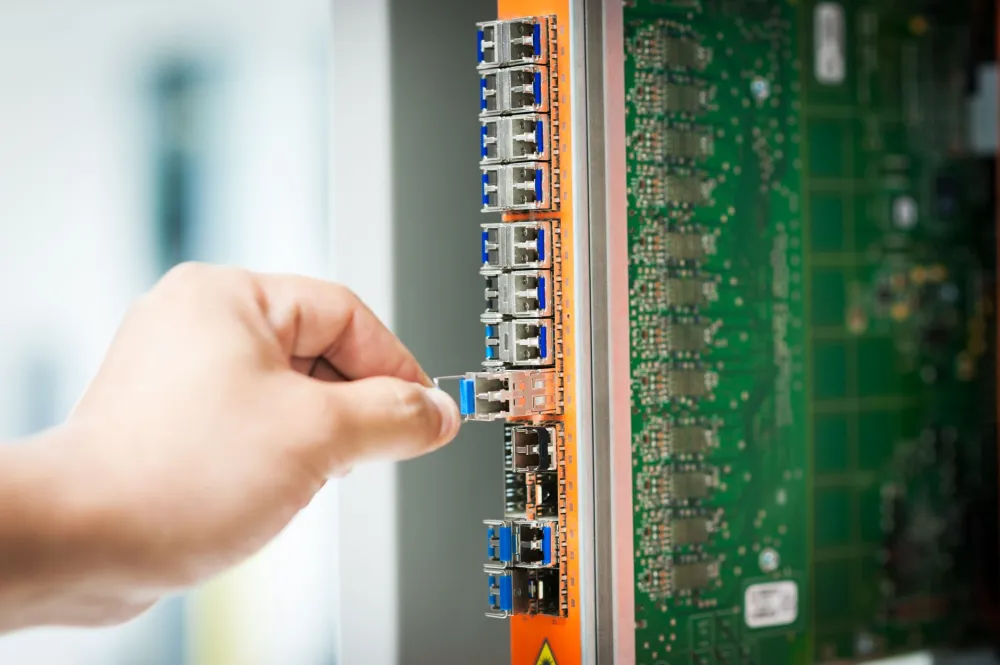
For a small office of five to ten users with a straightforward setup, the full installation and configuration is often completed in a single day. Larger offices or those requiring data migration from an old server may take a day or two longer, depending on the volume of data being moved.
If your existing office network needs attention before the NAS can perform well, we may also recommend an office network setup as part of the same visit, to make sure the NAS has a clean, fast connection to every desk.
Local vs Cloud Storage: Which One Is Right for Your Office?
Both options have a place, and the honest answer is that most Dubai offices benefit from both working together. Here’s a plain-language comparison:
For businesses in the Al Qusais Industrial Areas where internet connections can occasionally be inconsistent, having a local NAS means your team keeps working even if the connection goes down. Cloud backup then provides the offsite safety net you need in case of fire, theft, or a serious hardware failure. That combination is what most experienced IT engineers recommend for UAE SMEs.

What Affects the Cost of NAS Setup in Al Qusais?
There’s no single fixed price for a QNAP NAS installation, and any IT provider who quotes you a number without first understanding your setup is guessing. Costs depend on the number of users, devices, and the scope of work, which is why a quick call gives you an exact quote.
- Number of drive bays and drives: a two-bay QNAP entry model costs significantly less than a four-bay or eight-bay rackmount unit designed for heavier workloads.
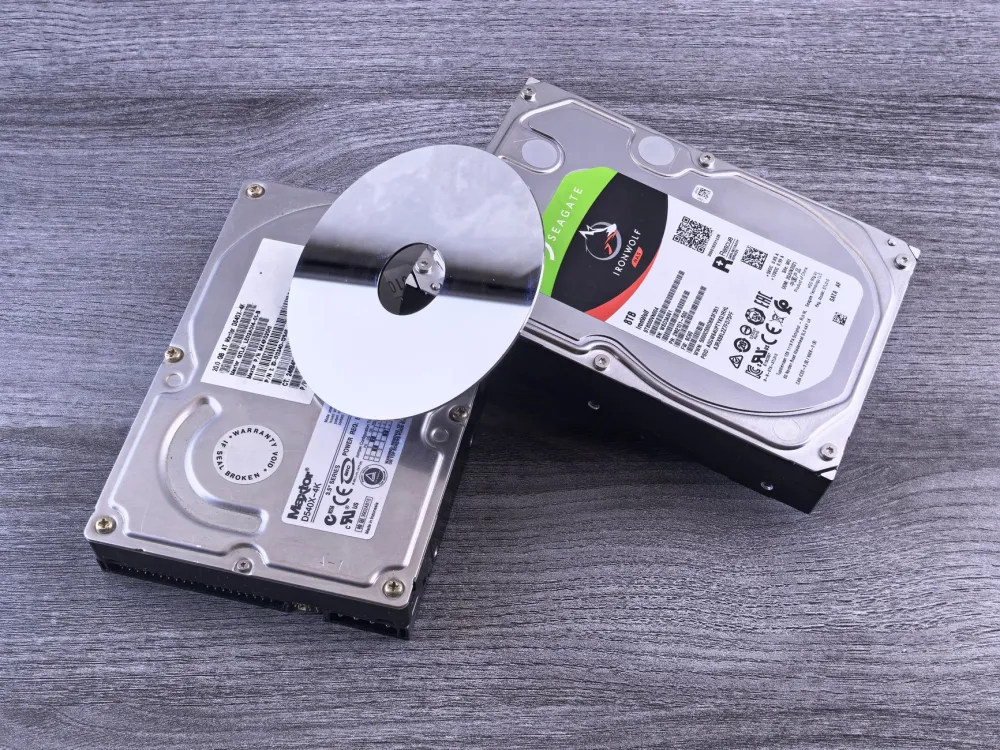
- Drive capacity and type: NAS-rated hard drives (such as WD Red Pro or Seagate IronWolf) are recommended over standard desktop drives; the price scales with capacity.
- Number of users and shared folders: more complex permission structures and more user accounts add time to the configuration.
- Data migration: if you have existing data on an old server or drives that needs to be moved to the NAS, that adds time and therefore cost.
- Network infrastructure: if the office network needs Cat6 cabling or a managed switch to support the NAS properly, that’s a separate but related cost.
The quickest way to get an honest, accurate quote for your Al Qusais office is a short call. Ten minutes of conversation about your current setup and your requirements is enough for an experienced engineer to give you a realistic range.
Get a Quote for NAS and Backup Solutions Near Al Qusais Metro Station
Tell us your office size and current storage setup, we’ll give you an honest, no-obligation estimate on the spot.
How to Prepare Before the Engineer Arrives
A little preparation on your side makes the on-site visit faster and smoother. None of it is technical.
- Know your approximate data volume: check how much data you currently have stored (right-click your main shared folder and check properties) so the engineer can size the drives correctly.
- List your users: a rough count of how many people need access, and whether any of them work remotely, helps design the right permission structure.
- Locate your network switch: know where your office router and switch are physically located, so the engineer can plan the NAS placement for the shortest cable run.
- Flag any sensitive folders: if some departments shouldn’t see other departments’ files, make a note of that before the visit so user permissions are set correctly from the start.
One thing many offices overlook: if you’re also considering a server backup and disaster recovery plan for an existing Windows Server, it’s worth addressing both at the same time. A NAS can serve as the backup target for a Windows Server environment, saving you from running a separate backup appliance.
Questions to Ask Any IT Provider Before You Book
Choosing the right IT company for this job matters. Here are a few practical questions worth asking before you commit to anyone:
- Do you come on-site, or is this remote support only?
- Will you configure RAID and test it before you leave?
- Do you set up the backup schedule, or is that left to us?
- What happens after installation if something goes wrong? Is there an IT AMC contract option for ongoing support?
- Can you also look at our network cabling while you’re here?
Any reputable provider should answer all of these clearly and without hesitation. If you need managed IT services on an ongoing basis after the setup, that can usually be arranged under a monthly or annual plan, giving you a single point of contact for all future IT issues.
For businesses that also need their data accessible across Microsoft 365 or want to integrate cloud email with on-site storage, a Microsoft 365 setup and migration can complement a NAS installation well, giving your team both local speed and cloud-connected flexibility.
When You Might Not Need a NAS Yet
Honesty matters here. If your office has only two or three people and your total data is under 500 GB, a well-configured Microsoft 365 Business subscription with SharePoint and OneDrive for Business might serve you adequately without the cost of NAS hardware. A NAS becomes clearly worthwhile when you have four or more users, when file access speed on large files is critical, when you handle data that must stay on-premises, or when your internet connection isn’t reliable enough to depend on cloud storage alone.
If you’re unsure, a quick call is genuinely the fastest way to find out which direction suits your business. No hard sell, just a straight answer.
Need NAS and Backup Solutions in Al Qusais? Let’s Talk
Whether your office is a few minutes from the Al Qusais Metro Station, based in the Al Qusais Industrial Areas, or operating along Al Nahda Road in Muhaisnah, an engineer from Freelance IT Services Dubai can be on-site to survey your setup, recommend the right QNAP NAS configuration, and complete the full installation with minimal disruption to your working day. Appointments outside standard office hours can also be arranged where your business can’t afford the interruption.
You can explore the full range of NAS and Backup Solutions we offer, or for a detailed look at QNAP-specific setups, visit our dedicated QNAP NAS setup page. If you’re also considering a Synology device, our Synology NAS setup service covers that equally well.
The same NAS and backup service is available across Dubai, including Al Nahda, Al Quoz, Sheikh Zayed Road, JVC (Jumeirah Village Circle), International City, Jebel Ali, and throughout the wider city. Al Qusais and its surrounding communities are always our priority for on-site visits.
Book Your NAS and Backup Setup in Al Qusais Today
On-site service near Damascus Street and the Al Qusais Industrial Areas, your team gets shared storage and automated backups, properly done.
FAQ
Keep exploring
Related services
More NAS, Backup and Recovery in Dubai
Onsite help across Dubai for the problems that usually come next. Pick a service to see what is included.


 BackupNAS & Backup Solutions in Business BayNAS and backup setup in Business Bay. Synology and QNAP storage, automated backups and remote access for your office data.View service
  BackupSynology NAS Setup in Discovery GardensSynology NAS setup in Discovery Gardens. Central storage, RAID, automated backups and remote access, free site visit.View service
 Swipe for more services
We cover every part of Dubai. See all areas we serve