Running an office near Bay Square or just off Marasi Drive without a proper backup system is one of those risks that feels fine right up until it isn’t. A laptop fails. A staff member accidentally deletes a shared folder. A hard drive clicks and stops. Suddenly, months of work, client records, contracts, and invoices are gone. Recovery from a drive that was never backed up is slow, expensive, and often incomplete.
In this guide
- What Do You Actually Get from NAS and Backup?
- How Does the Setup Process Work?
- Cloud Backup vs Local NAS: Which Is Right for You?
- What Affects NAS and Backup Costs?
- Data Recovery vs Data Migration: What’s the Difference?
- Questions to Ask Before You Commit
- How to Prepare Before the Engineer Arrives
- When You May Not Need a NAS Yet
- Need NAS and Backup Solutions in Business Bay? Let’s Talk
- FAQ
This is not complicated to set up. But it does need to be done properly. A NAS that isn’t configured right, or a backup job that runs but never gets tested, gives you a false sense of security. This article walks you through what NAS and backup solutions actually involve, how the process works from first call to handover, what affects the cost, and how to prepare before anyone arrives at your office.
What Do You Actually Get from NAS and Backup?
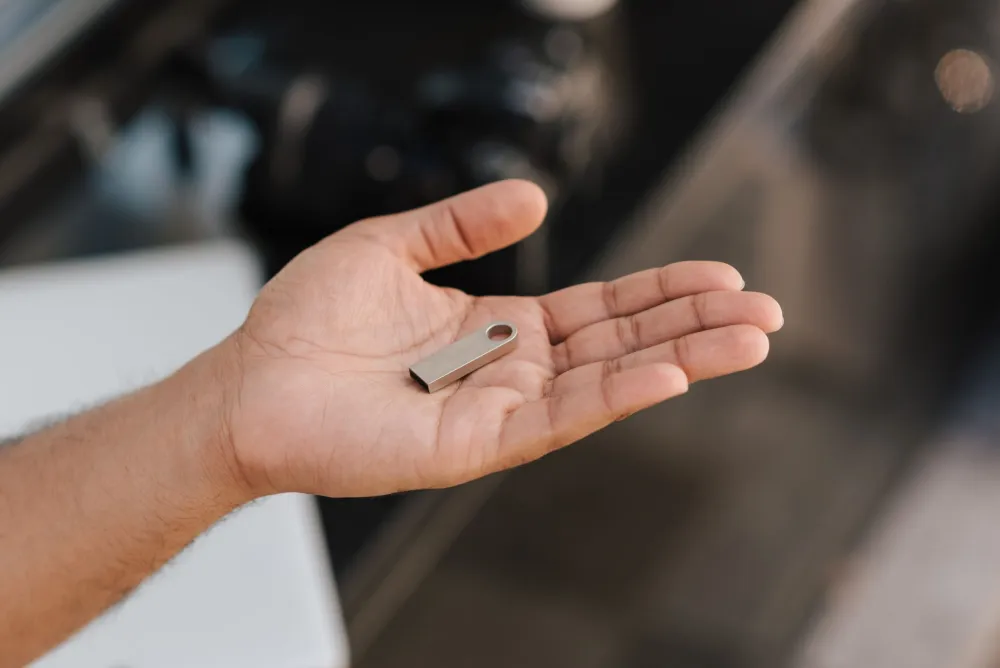
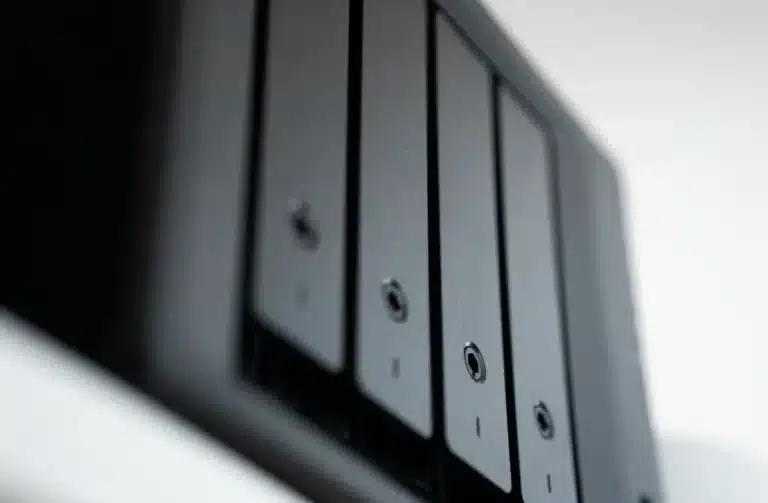
A NAS, or Network Attached Storage, is a small storage box that plugs into your office network and lets your whole team access shared files from their computers without emailing documents to themselves or carrying USB drives around. Pair it with a proper backup strategy and you have a system that protects your business data around the clock.
Here is what a well-implemented NAS and backup solution delivers for a Business Bay office:
- Centralised file sharing: Every team member accesses the same live files from their desk, reducing version confusion and lost documents.
- Automated, scheduled backups: Backups run on their own, typically overnight or hourly depending on your needs, so nothing depends on someone remembering to plug in a drive.
- Fast local data recovery: If a file is deleted or a workstation fails, restoring from a local NAS takes minutes rather than days.
- Offsite or cloud backup layer: A second backup copy, whether to a cloud service or a separate location, protects you even if the office itself is affected by fire, flood, or theft.
- Scalable storage: As your business grows, adding storage to a Synology or QNAP NAS is straightforward without replacing the whole system.
Business Bay offices range from small boutique agencies and real estate consultancies near the Dubai Water Canal to trading companies, law firms, and financial advisors with larger teams. The right setup depends on how many users you have, how much data you generate, and how quickly you need to recover if something goes wrong.
Need NAS and Backup Solutions in Business Bay?
We come to your office, assess what you need, and set up a backup system that actually works. No disruption to your team.
How Does the Setup Process Work?
Most Business Bay offices are up and running with a properly configured NAS and backup solution within one to two days, depending on the number of users, the volume of data to migrate, and the complexity of the backup schedule required. Here is what the process looks like in practice.
The sequence starts from the moment you get in touch with Freelance IT Services Dubai for on-site IT support in Business Bay:
Cloud Backup vs Local NAS: Which Is Right for You?
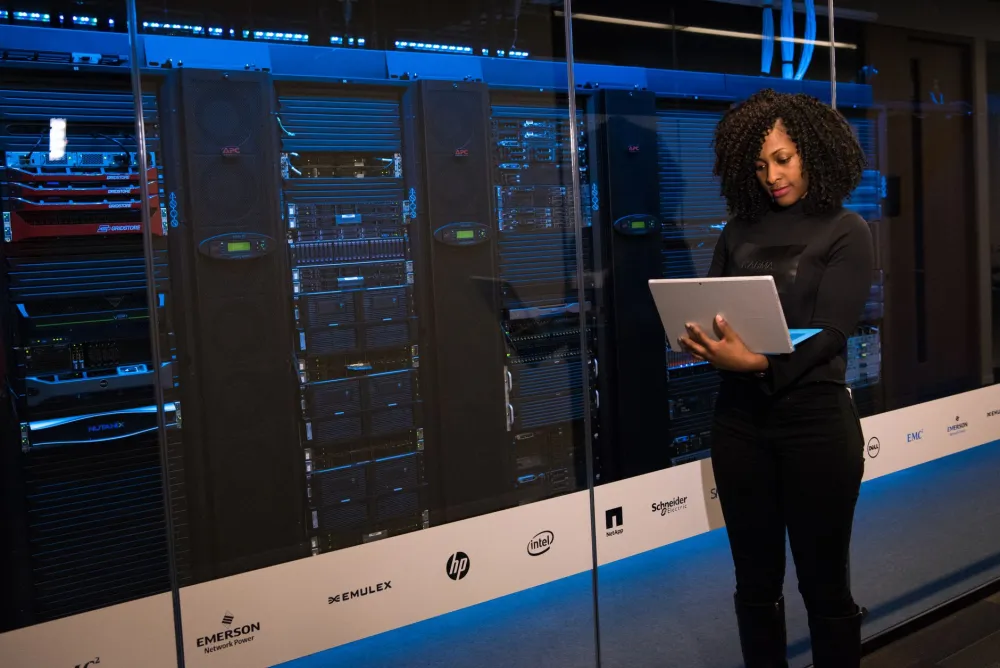
Most Business Bay offices benefit from a combination of both local NAS storage and cloud backup, rather than choosing one or the other. Local storage gives you fast recovery times; cloud backup gives you protection against physical events at the office. The right balance depends on your data volume, your internet connection speed, and how quickly you need to be back up and running after an incident.
| Option | Best For | Recovery Speed | Typical Risk Covered |
|---|---|---|---|
| Local NAS only | Small teams, fast restore | Very fast (minutes) | Accidental deletion, drive failure |
| Cloud backup only | Remote teams, offsite protection | Slower (hours) | Fire, theft, ransomware |
| NAS plus cloud (3-2-1 backup) | Most SMEs and offices | Fast locally, cloud as fallback | Widest protection overall |
| NAS with RAID array | Offices with large file volumes | Fast, no downtime on drive fail | Single drive failure, continuity |
The 3-2-1 backup rule, widely recommended by vendors including Synology and endorsed in general cybersecurity guidance, means keeping three copies of your data, on two different types of storage, with one copy offsite. It is a simple principle that covers most realistic failure scenarios without overcomplicating things.
What Affects NAS and Backup Costs?
Costs depend on several factors, and any provider who quotes you a fixed price before asking these questions is guessing. The honest answer is that a quick call gives you a far more accurate number than any price list.
The main factors that typically affect the overall investment include:
- Number of users and devices: A five-person office needs a very different setup from a 30-user team sharing large design or video files.
- Total data volume: More data means more drive capacity, longer migration time, and potentially higher cloud storage costs.
- NAS model and drives: Entry-level Synology or QNAP units with two drive bays cost considerably less than four-bay or eight-bay rackmount units with enterprise-grade drives. The right choice depends on your current needs and how fast you expect to grow.
- Data migration complexity: Migrating from a simple external drive is straightforward. Migrating from an old server, a failed drive, or multiple scattered sources takes more time and care.
- Backup destination: Adding a cloud backup layer introduces a monthly subscription cost from the cloud provider, separate from the setup fee.
- Ongoing support: Some offices prefer a one-time setup, while others opt for an IT AMC contract in Business Bay that covers ongoing monitoring, health checks, and support calls throughout the year.
Get a Quote Near Bay Avenue Mall
Tell us your team size and what data you need to protect. We’ll give you an honest, no-obligation quote before any work begins.
Data Recovery vs Data Migration: What’s the Difference?
These two terms get mixed up regularly, and it matters which situation you are actually in. Data recovery means retrieving data that has already been lost or is currently inaccessible, typically from a failed, corrupted, or accidentally formatted drive. Data migration means transferring data that is currently accessible from one system to another, such as moving everything from an old on-premise server to a new NAS, or from scattered USB drives and laptops to a centralised shared storage system.
Both situations are common in Business Bay offices. A company upgrading from informal storage (individual laptops and shared Google Drive folders) to a proper office NAS is doing a migration. A company whose server drive has stopped responding and needs files pulled off before they are lost is dealing with recovery. The tools, the time required, and the level of urgency are different in each case.

If you suspect a drive is failing, the most important thing is to stop using it immediately and call for professional help. Every write operation to a failing drive reduces the chances of a successful recovery. For planned migrations, having a clear inventory of where your data currently lives, across laptops, external drives, cloud folders, and old servers, makes the process much faster and reduces the risk of anything being missed. You can read more about the full scope of data recovery and migration services in Dubai to understand what each scenario involves.
Questions to Ask Before You Commit
If you are getting quotes from different providers, a few direct questions will quickly separate those who know what they are doing from those who will install hardware and leave you to figure out the rest.
- Will you perform a test restore before handover? This is non-negotiable. If the answer is no, walk away.
- Do you configure the backup schedule, or do I have to? A proper setup includes a configured, running backup job, not just installed software.
- What happens if the NAS itself fails? Ask about the warranty process and whether replacement hardware can be sourced quickly in Dubai.
- Do you offer ongoing monitoring? A managed IT services arrangement or an AMC means someone is watching your backup health, not just you.
- Is the setup documented? You should receive a handover document with passwords, folder structure, and backup schedules written down clearly.
How to Prepare Before the Engineer Arrives
A little preparation on your end saves time during the visit and keeps costs down. You don’t need to be technical. Simply gather the following before the engineer arrives:
Know approximately how much data you need to store and back up. If you can check your current storage usage (right-click your main drive in Windows and check Properties, or check your cloud storage usage), that single number helps size the NAS correctly. Know where your data currently lives: which computers hold important files, whether anything is on external drives, and whether you use any cloud services like Microsoft 365 or Google Workspace that need to be included in the backup plan. If you are also considering a Microsoft 365 setup or migration, it makes sense to plan both together so your email and file storage strategy align from the start.
Also confirm whether you have a network switch with spare ports, and whether your office internet connection has enough upload speed for cloud backup. Your engineer will check all of this during the site visit, but having a rough picture ready speeds things up considerably.

When You May Not Need a NAS Yet
Honesty matters here. If you are a sole trader or a two-person team with modest data volumes and you are already using Microsoft 365 Business with OneDrive configured properly, you may have adequate protection for now without a dedicated NAS. The tipping point for most offices tends to be around five or more users sharing large files, or any business where local file access speed matters, where data cannot leave the premises for regulatory reasons, or where the cost of a single data loss event would be significant.
If you are in that grey zone, a quick conversation is the most practical way to get an honest recommendation. No setup should be sold to you that you don’t genuinely need. For more information about how NAS devices are specified and configured, QNAP’s official documentation is a useful reference for understanding the options available at different price points.
Need NAS and Backup Solutions in Business Bay? Let’s Talk
Whether your office is in one of the towers along the Dubai Water Canal, a few minutes from the Business Bay Metro Station, or in a smaller unit near Bay Avenue Mall, getting your data properly protected is not a project to keep putting off. A failed drive with no backup is a genuine crisis. A well-configured NAS with a tested backup plan is simply good business.
Freelance IT Services Dubai provides on-site NAS setup, data recovery assistance, and data migration services for offices and SMEs across Business Bay and the wider area. The same service is also available in nearby areas including Downtown Dubai, DIFC, Al Quoz, Port Saeed, Dubai Internet City, Mirdif, Dubai Hills, Dubai Marina, and across Dubai. Wherever your office is, the process is the same: one call, an on-site assessment, and a setup that works.
For further reading, our detailed guide to server backup and disaster recovery in Dubai covers the broader planning considerations, and if you are looking at a QNAP or Synology setup specifically, our dedicated pages on QNAP NAS setup and Synology NAS setup in Dubai go into more detail on each platform.
Book Your NAS and Backup Setup Today
Call or WhatsApp 055 822 3165 to book your NAS and backup solution in Business Bay. We come to your office, set it up properly, and make sure it works before we leave.
FAQ
Keep exploring
Related services
More NAS, Backup and Recovery in Dubai
Onsite help across Dubai for the problems that usually come next. Pick a service to see what is included.
 BackupSynology NAS Setup in Discovery GardensSynology NAS setup in Discovery Gardens. Central storage, RAID, automated backups and remote access, free site visit.View service
  BackupQNAP NAS Setup in Al QusaisQNAP NAS setup in Al Qusais. Centralized storage, RAID, backups and remote access done right, on site.View service


Swipe for more services
We cover every part of Dubai. See all areas we serve