Still emailing files to yourself because the office has no shared drive? If your Discovery Gardens team is copying spreadsheets onto USB sticks, waiting for someone to “finish with” a document, or relying on a single PC as an unofficial file server, you already know the frustration. And if that PC ever dies, so does everything on it.
A Synology NAS setup fixes all of that in a single on-site visit. It gives every person in the office their own login, their own folder permissions, and access to every shared file from their desk, or remotely, without touching a cloud subscription or paying per user, per month, forever.
In this guide
- What Does a Synology NAS Actually Do?
- Who Benefits Most From a NAS in Discovery Gardens?
- When You Might Not Need a NAS Yet
- How the Setup Process Works
- NAS vs Cloud Storage: Which Fits Your Office?
- What Affects the Cost of a NAS Setup?
- How to Prepare Before the Engineer Arrives
- Questions to Ask Before Booking
- Why Local IT Support Matters
- Need a Synology NAS Setup in Discovery Gardens? Let’s Talk
- FAQ
What Does a Synology NAS Actually Do?
A NAS, short for Network Attached Storage, is a small, smart storage box that lives in your office and connects to your network. Every computer on that network can read from and write to it, just like a shared drive, but far more capable than anything Windows’ built-in file sharing can offer. Synology’s DiskStation range works particularly well for small and medium offices because the management interface is straightforward, the hardware is reliable, and the backup options are genuinely flexible.
For a business in Discovery Gardens or the surrounding Al Furjan community, it means your accountant, your sales team, and your operations manager all work from the same live files. No version confusion. No “which laptop has the latest contract?” panic five minutes before a client call.
Here is what your office actually gets from a professional NAS and backup solution:
- Centralised file storage: one place for every document, every user, no duplication across desktops.
- Folder-level permissions: HR sees HR folders; accounts sees accounts; nobody accidentally deletes the wrong thing.
- Automated daily backups: Synology’s Hyper Backup schedules backups to an external drive or a secondary cloud destination without anyone remembering to do it.
- Remote file access: staff travelling or working from home connect securely through Synology’s QuickConnect or a VPN, without opening your office to the internet.
- Scalability: add more drives when you grow, no need to replace the whole unit.
Need a Synology NAS Setup in Discovery Gardens?
Our engineer visits your office, installs the NAS, sets up user accounts and backups, and your team is sharing files the same day.
Who Benefits Most From a NAS in Discovery Gardens?
Discovery Gardens has a healthy mix of small trading companies, real estate agencies, logistics coordinators, consultancies and service offices, many of them running lean teams of 5 to 25 people. That profile is exactly where a Synology NAS earns its cost back quickly.
Larger enterprises often have a full Windows Server infrastructure with Active Directory and a domain controller. A NAS sits comfortably alongside that setup as supplementary storage or a dedicated backup target. For the SME that does not need a full server, though, a Synology unit handles everything a file server would at a fraction of the hardware cost and without a Windows Server licence.
Offices near The Gardens Metro Station or a short drive from Ibn Battuta Mall along Sheikh Zayed Road tend to be mixed mainland and free-zone setups. Whether your office is on a commercial licence or inside a free zone, the NAS itself has no licensing complications. Your IT provider just needs to understand your network layout before configuring access controls.
When You Might Not Need a NAS Yet
If your team is two people sharing a single folder on OneDrive, a NAS is probably over-engineered for you right now. Microsoft 365 with SharePoint may cover your file-sharing needs without any on-premise hardware. The tipping point tends to be around 5 or more users, large files like design work or video, or a business where data must stay on-premise for compliance reasons. Not sure which fits your office? A quick phone call gives you an honest answer.
How the Setup Process Works
The process is straightforward when handled by an engineer who has done it dozens of times. Here is what a typical Synology NAS setup in a Discovery Gardens office looks like, from start to finish.
NAS vs Cloud Storage: Which Fits Your Office?
Both have a place. The right choice depends on your file sizes, user count, internet speed, and how much control you want over your data. Here is a straightforward comparison.
| Factor | Synology NAS (On-Premise) | Cloud Storage (OneDrive/SharePoint) |
|---|---|---|
| Monthly cost | One-time hardware cost | Per-user monthly fee |
| File access speed | Very fast (local network) | Depends on internet speed |
| Data location | Stays in your office | Stored on vendor servers |
| Large file handling | Excellent (no upload limit) | Slower for big files |
| Remote access | Yes, via VPN or QuickConnect | Yes, natively |
| Best for | 5+ users, large files, privacy needs | Small teams, flexible remote work |
Many Discovery Gardens offices end up using both: the Synology NAS for primary file storage and fast local access, with cloud backup as a second layer of disaster recovery. That hybrid approach gives you speed on-site and a safety net off-site. It is worth discussing during the initial assessment.
What Affects the Cost of a NAS Setup?
There is no single price that fits every office, and any provider who quotes a fixed number before asking questions is guessing. Costs depend on several straightforward variables.
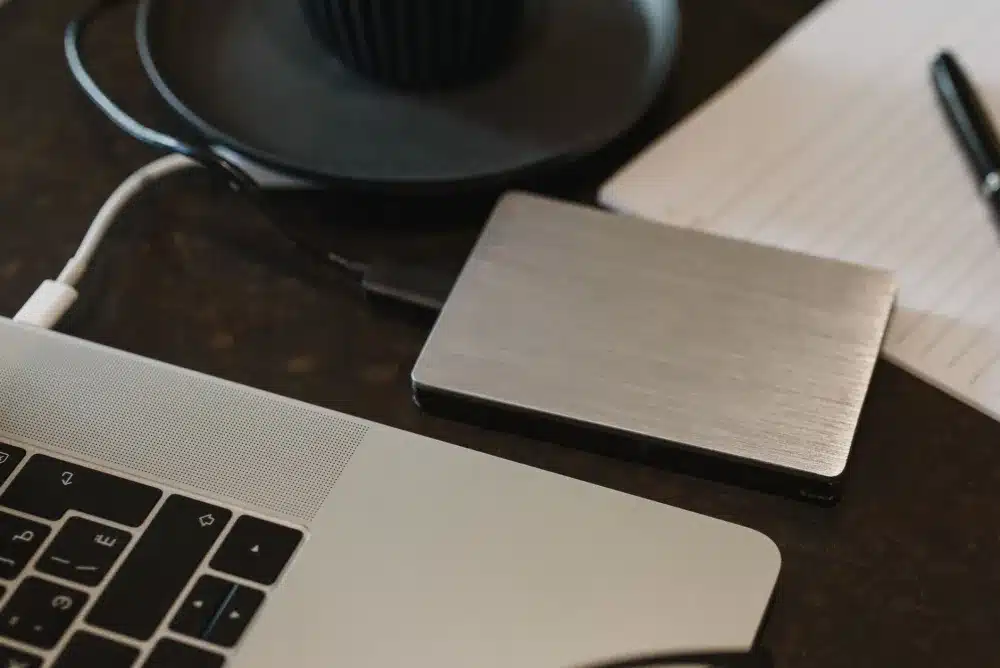
The NAS hardware model is the biggest factor. A two-bay Synology DS223 suits a small 5-person team; a four-bay or six-bay unit with larger drives is more appropriate for a 15-person office handling large files. Drive capacity, brand and type, such as NAS-rated drives that last longer under constant use, all affect the hardware cost. Hardware prices in the UAE vary considerably by model and timing, so a brief conversation gives you a realistic figure for your specific setup.
Beyond hardware, the scope of configuration matters. A simple two-user file share is quicker to set up than a 20-user deployment with folder-level permissions, Active Directory integration, automated backup schedules and remote access configuration. If you also need Cat6 structured cabling run to a new server cabinet, or a managed network switch to support the NAS properly, that adds to the scope.
Ongoing support is another consideration. Some offices prefer a one-time setup and handle things themselves. Others sign an IT AMC, an Annual Maintenance Contract, so that any issue with the NAS, the network or the office PCs is covered under a predictable fixed monthly cost. No surprise bills when something goes wrong.
Get an Honest Quote for Your NAS Setup
Tell us your team size and what you need. We give you a clear, itemised cost with no guesswork and no pressure.
How to Prepare Before the Engineer Arrives
A little preparation makes the setup faster and reduces any disruption to your team. None of it is technical, just a few practical decisions made in advance.
- List your users: write down each person who needs access and roughly what folders they should see. This drives the permission setup.
- Decide on storage size: have a rough idea of how much data you currently have. Right-click your main work folder, select Properties. This guides the drive capacity recommendation.
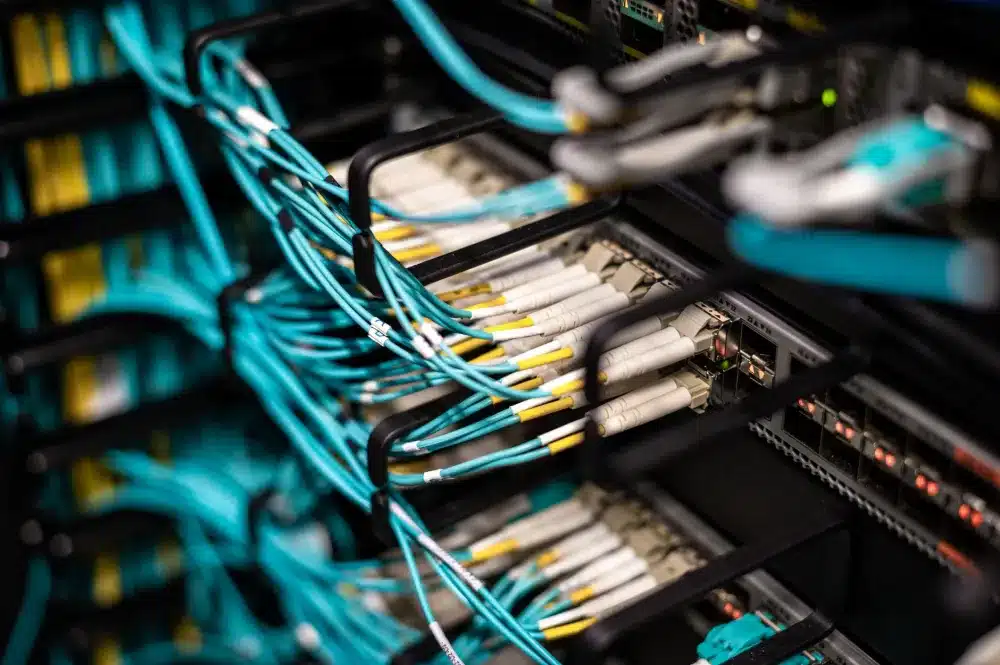
- Identify a suitable location for the NAS: it needs to be near a network switch port and a power outlet, ideally in a cool, ventilated spot like a server cabinet or secure back office.
- Check your network switch: if your office switch is unmanaged and more than a few years old, the engineer may recommend an upgrade to support proper VLAN or QoS settings. Worth asking about in advance.
- Note any existing IT setup: if you already have a Windows Server, a domain, or a Fortinet FortiGate firewall, let the engineer know. The NAS can be integrated into that environment cleanly.
Questions to Ask Before Booking
Before you commit to any IT provider for a NAS setup, a few questions will tell you quickly whether you are dealing with someone experienced or someone learning on your time.
Ask whether they configure RAID separately from backups, and whether they will set up automated backup jobs as part of the installation. Ask whether they have done Synology setups in offices of your size before. Ask what happens after installation: is there a warranty on the work, and is remote support available if something goes wrong in the first few weeks? Ask whether the NAS can be integrated into your existing network without disrupting current operations during setup.
Good answers to those questions take about two minutes. Vague ones are a sign to keep looking.
Why Local IT Support Matters
IT issues rarely wait for a convenient moment. When a NAS drive fails or a user cannot access files, the fastest resolution is an engineer who can be on-site quickly. Discovery Gardens is a few minutes off Sheikh Zayed Road, and the Al Furjan community sits directly alongside it, meaning a local engineer is not spending an hour in traffic before they even start fixing the problem.
Freelance IT Services Dubai provides on-site NAS and backup solutions across Discovery Gardens, Jebel Ali, The Gardens area, Al Furjan and the Ibn Battuta neighbourhood. The team works with businesses ranging from small trading offices to multi-department SMEs, and the same engineer who does the installation is available for follow-up support. No call centre, no ticket queue, no waiting three days for a callback.
If your office already has structured cabling and a managed switch in place, setup is typically completed within a single working day. If the network needs attention first, that is identified during the initial assessment and scoped honestly before any work begins. You can also explore the full range of IT support services in Dubai available for offices of all sizes.
Need a Synology NAS Setup in Discovery Gardens? Let’s Talk
If your team is working around a file-sharing problem every single day, the fix is simpler than you might think. A Synology NAS, properly configured for your office, means every person has fast access to the files they need, backups run automatically overnight, and your data is no longer tied to a single PC that could fail at any moment.
Freelance IT Services Dubai handles the full process on-site: from hardware recommendation through to user accounts, backup scheduling, and a walkthrough of the dashboard before we leave. Offices near Ibn Battuta Mall or anywhere along the Al Furjan community corridor can typically book a site visit within one to two business days.
The same Synology NAS setup and backup solution service is also available across other parts of Dubai, including Al Ras, Hor Al Anz, Oud Metha, Al Barsha, Al Nahda Dubai, Palm Jumeirah and beyond, wherever your office happens to be.
Book Your NAS Setup Near Ibn Battuta Mall
Call or WhatsApp to book a free site visit. We come to your Discovery Gardens office and get your team sharing files the same day.
FAQ
Keep exploring
Related services
More NAS, Backup and Recovery in Dubai
Onsite help across Dubai for the problems that usually come next. Pick a service to see what is included.
 BackupQNAP NAS Setup in Al QusaisQNAP NAS setup in Al Qusais. Centralized storage, RAID, backups and remote access done right, on site.View service


 BackupNAS & Backup Solutions in Business BayNAS and backup setup in Business Bay. Synology and QNAP storage, automated backups and remote access for your office data.View service
 Swipe for more services
We cover every part of Dubai. See all areas we serve