Your DIFC office is a few minutes from the Gate Building, one of Dubai’s most prestigious business addresses. But prestige doesn’t protect your data. Right now, if your internet runs through a basic ISP router with no dedicated firewall, anyone on a compromised network in your building could potentially access your files. That’s not scaremongering. That’s how unsecured office networks actually work.
In this guide
- What Is a Fortinet FortiGate Firewall?
- What Do You Actually Get?
- Why Cybersecurity Is Urgent for DIFC SMEs Right Now
- How Does Fortinet Firewall Installation Work?
- FortiGate vs Basic ISP Router: The Real Difference
- What Does Fortinet Firewall Setup Cost in DIFC?
- Questions to Ask Any IT Provider Before You Commit
- When You Probably Don’t Need a FortiGate Yet
- Pairing Your Firewall with a Stronger Security Stack
- Need Fortinet Firewall & Network Security in DIFC? Let’s Talk
- FAQ
What Is a Fortinet FortiGate Firewall?
A Fortinet FortiGate firewall is a dedicated hardware box that sits between your internet connection and your office devices, inspecting every packet of data flowing in or out. Unlike the basic router your ISP provides, a FortiGate applies deep packet inspection, intrusion prevention, SSL inspection, web filtering, and application control all in one unit. According to Fortinet’s official documentation, FortiGate firewalls use a purpose-built security processor to handle this inspection at wire speed, so your team never notices a slowdown.
For DIFC-based businesses, this matters enormously. The free zone hosts hundreds of financial services firms, law practices, consulting companies, and trading offices. These are exactly the business types that attract targeted phishing campaigns and ransomware attacks. A single successful breach can lock your files, expose client data, and shut your office down for days.

What Do You Actually Get?
Here’s what a professionally installed Fortinet firewall delivers for your office, in plain language:
- On-site hardware setup: an engineer comes to your DIFC office, physically installs the FortiGate unit, and connects it to your switch and ISP line. Your team loses zero working time during the switchover.
- Intrusion Prevention System (IPS): automatically blocks known attack patterns in real time, so even if a staff member clicks a bad link, the threat is stopped at the network level before it reaches their machine.
- Web and DNS filtering: stops staff devices from connecting to malicious websites, phishing pages, and command-and-control servers, even on a busy open-plan floor near Gate Avenue.
- SSL/TLS inspection: most modern malware hides inside encrypted HTTPS traffic. The FortiGate decrypts, inspects, and re-encrypts that traffic so threats can’t sneak through in plain sight.
- VPN gateway built in: lets your remote staff connect securely back to the office network using VPN remote access, without needing a separate appliance.
Need Fortinet Firewall Setup in DIFC?
Our engineer comes to your office near the Gate Building, installs and configures your FortiGate, and your team stays online the whole time.
Why Cybersecurity Is Urgent for DIFC SMEs Right Now
Small and medium businesses are under attack more than ever. Researchers and industry bodies have reported consistently throughout 2025 and 2026 that SMEs are disproportionately targeted precisely because attackers assume their defences are weaker.
For your DIFC office, the risk is even more concentrated. Financial data, client contracts, wire transfer instructions, and personally identifiable information all sit on the same office network that staff use to browse, receive emails, and connect to shared drives. A firewall isn’t a luxury add-on. It’s the first line of defence that every other security layer depends on.

How Does Fortinet Firewall Installation Work?
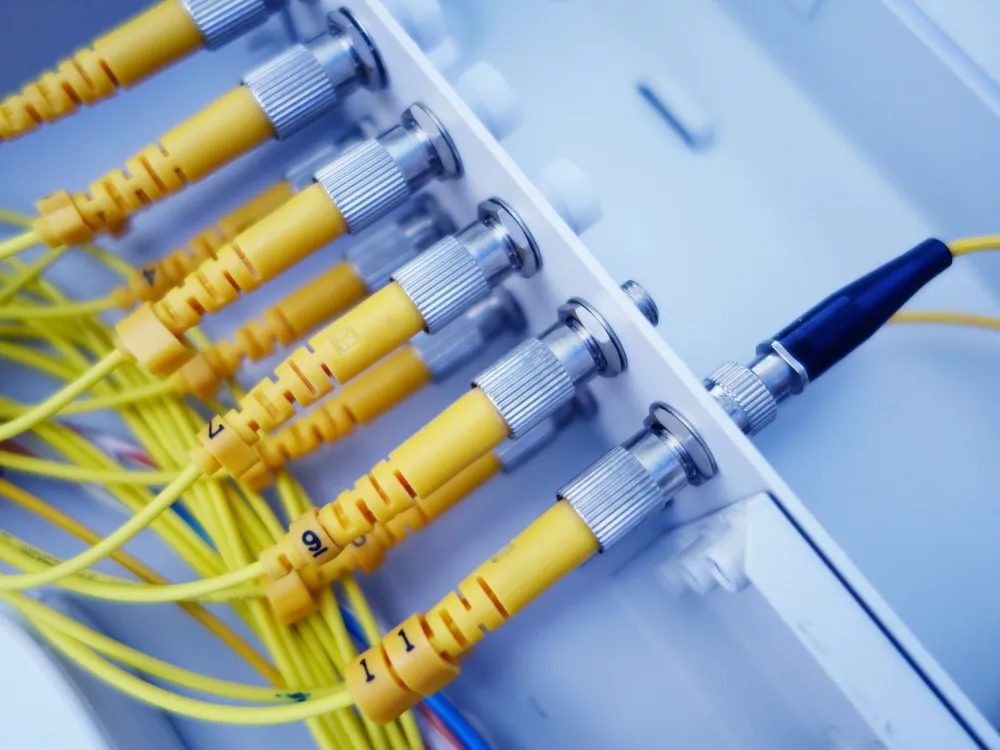
The process is straightforward and, for most small to medium DIFC offices, completes in a single day. Here’s what to expect when you book with our IT support team in DIFC:
FortiGate vs Basic ISP Router: The Real Difference
Many DIFC offices are running on the router their ISP handed them on day one. Here’s an honest comparison of what that gives you versus a professionally configured FortiGate firewall.
| Feature | ISP Router | Fortinet FortiGate |
|---|---|---|
| Deep packet inspection | No | Yes, at wire speed |
| Intrusion prevention (IPS) | No | Yes, updated daily |
| SSL/HTTPS traffic inspection | No | Yes |
| Web and DNS filtering | Basic or none | Category-based, granular |
| Built-in VPN gateway | Rarely | Yes, SSL and IPSec |
| Security policy control | Minimal | Granular, per-user/group |
What Does Fortinet Firewall Setup Cost in DIFC?
Costs depend on several factors: the FortiGate model that suits your office size, the number of users and devices on your network, whether you need VLANs or VPN tunnels configured, and the FortiGuard licence tier you choose. There’s no single fixed price that applies to every office, and anyone who quotes you a flat rate without seeing your setup is guessing.
What you can expect as a general shape: smaller offices with up to 20 users typically suit a FortiGate 60F or 80F, while offices of 30 to 80 users generally step up to a 100F or 200F. The installation fee covers the engineer’s time on-site, configuration, testing, and documentation. Ongoing costs come from the annual FortiGuard subscription. A quick call to our team gives you a clear, itemised quote for your specific DIFC office with no obligation.
If you want predictable monthly IT costs after installation, an IT AMC contract covers your firewall, network, servers, and workstations under one annual agreement. Many DIFC law firms, trading companies, and real estate offices find this the most cost-effective way to keep everything running and updated without surprise bills.
Get a Fixed Quote for Your DIFC Firewall
Tell us your office size and current setup, and we’ll give you a clear, no-surprise quote for Fortinet Firewall & Network Security in DIFC.
Questions to Ask Any IT Provider Before You Commit
Before you hire anyone to touch your office network, ask these direct questions. A reliable provider will answer all of them without hesitation. For a fuller framework, see our article on 10 questions to ask before hiring an IT company.
- Which FortiGate model do you recommend, and why? The answer should match your actual user count, not a generic suggestion.
- What FortiGuard licence tier is included? Basic, Advanced, or Comprehensive tiers unlock different security features.
- Will you document the configuration? You should receive a written record of every policy set up on your device.
- Can the installation happen outside business hours? For offices near Emirates Towers that run tight schedules, an evening install avoids any disruption.
- Do you offer ongoing support or AMC after installation? A firewall that isn’t updated is quickly out of date.
When You Probably Don’t Need a FortiGate Yet
Honesty matters. If you’re a one-person setup working from a co-working desk at a building off Sheikh Zayed Road with no local servers, no shared drives, and no sensitive client data stored on-premise, a basic firewall from your ISP may be adequate for now. Your priority in that case might be Microsoft 365 setup with proper security defaults and cloud backup rather than a hardware firewall.
But the moment you have five or more staff, a shared file server, client financial data, or any compliance obligation, a dedicated FortiGate firewall stops being optional. Most DIFC offices cross that threshold quickly.

Pairing Your Firewall with a Stronger Security Stack
A FortiGate firewall is your most important network layer, but it works best alongside a few other components. A well-designed office network with a managed switch and proper VLAN segmentation means that if one device is compromised, the breach cannot spread freely to the rest of your network. Pair that with a Synology NAS for local backup and Microsoft 365’s built-in security features, and you have a layered defence that would stop the vast majority of attacks targeting SMEs.
For offices that also want physical security covered at the same time, our team handles CCTV installation and access control and biometric attendance systems. It’s common to bundle these into a single on-site visit so your office is secure digitally and physically in one go.
Need Fortinet Firewall & Network Security in DIFC? Let’s Talk
Freelance IT Services Dubai provides on-site Fortinet FortiGate firewall installation and configuration for offices throughout DIFC, from the Financial Centre Metro Station end of the district right through to Gate Avenue and beyond. We also serve Downtown Dubai, Business Bay, Trade Centre, and offices along Sheikh Zayed Road. If you’re searching for IT support near me or a firewall specialist who will come to your office rather than asking you to ship equipment, you’ve found the right team.
The same Fortinet Firewall & Network Security service is available across Dubai, including Arabian Ranches, Discovery Gardens, Al Barsha, Al Muraqqabat, Dubai Internet City, Jebel Ali, and all other parts of the city. DIFC stays our focus here, but the engineer travels to you wherever you are.
Book Your On-Site Fortinet Firewall Installation in DIFC
We come to your office near the Financial Centre Metro Station, install your FortiGate, configure every policy, and leave you with a fully documented, protected network.
FAQ
Keep exploring
- IT Support in DIFC
- Fortinet Firewall Installation & Configuration
- IT AMC (Annual Maintenance Contract)
Related services
More CCTV, Access Control and Firewall in Dubai
Onsite help across Dubai for the problems that usually come next. Pick a service to see what is included.
 SecurityFortinet Firewall in JLTWorried about cyber threats in your JLT office? We install and configure Fortinet FortiGate firewalls onsite.View service
  SecurityFortinet Firewall in Al BarshaUnprotected office network in Al Barsha? We install and configure Fortinet FortiGate firewalls onsite near Mall of the Emirates.View service
  SecurityFortinet Firewall in Dubai HillsRemote staff putting your Dubai Hills office at risk? We install Fortinet FortiGate firewalls and set up secure VPN access onsite.View service
  SecurityFortinet Firewall in Motor CityOffice network near Dubai Autodrome with no real firewall? We install and configure Fortinet FortiGate firewalls onsite in Motor City.View service
  SecurityIP Camera vs Analog CameraIP camera vs analog camera: which CCTV suits your DIFC office? We compare image quality, running cost and remote viewing.View service
  SecurityFortinet Firewall in Arabian RanchesNeed a secure office network near The Ranches Souk? We install Fortinet Firewall in Arabian Ranches.View service
 Swipe for more services
We cover every part of Dubai. See all areas we serve