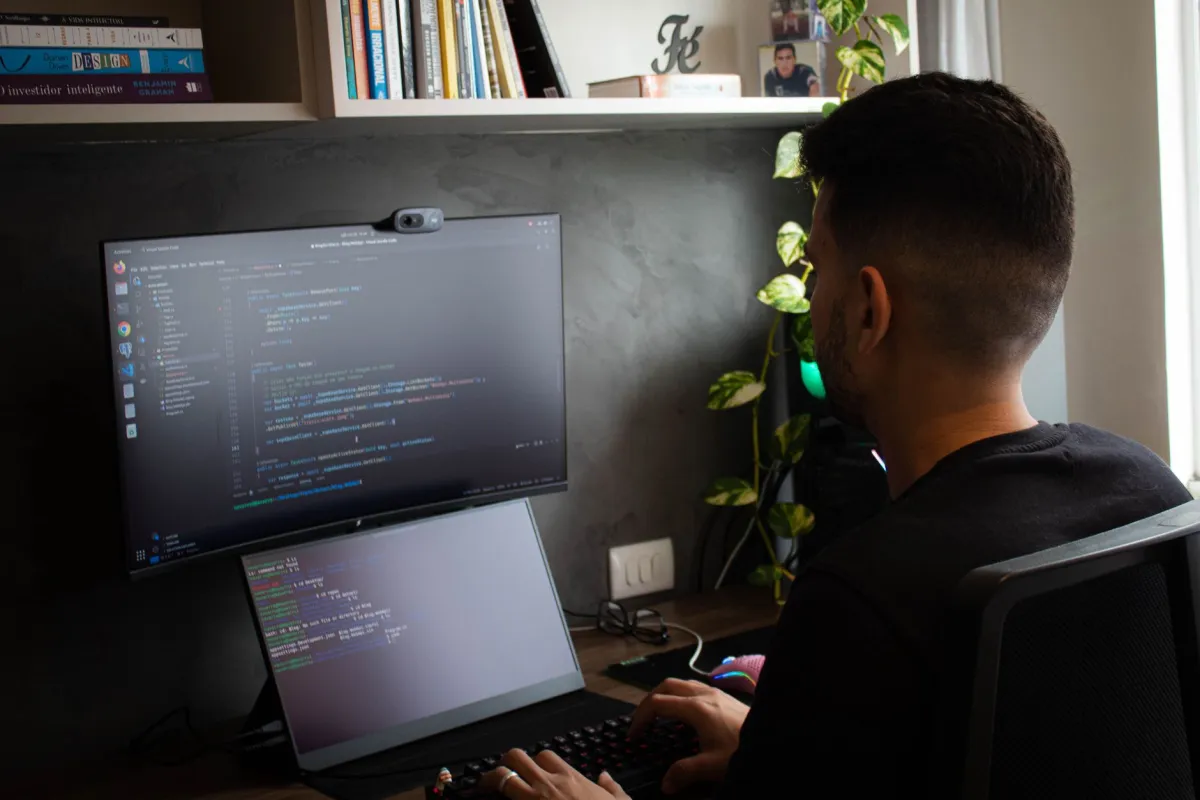
Getting ten new desktop computers delivered to your JLT office is the easy part. Getting them all configured, connected to your printer, joined to your network, and actually ready for your staff to use on day one, that is where most business owners hit a wall. If your new workstations are still in their boxes near the DMCC Metro Station end of the cluster, you are not alone.
- What Do Computer and Laptop Services Actually Include?
- Why This Matters for JLT Businesses
- What You Get: Real Business Benefits
- How the Setup Process Works
- DIY vs Professional Setup: What Is Actually Worth It?
- What Affects the Cost of Computer Setup in JLT?
- How to Prepare Before the Engineer Arrives
- Questions to Ask Any IT Provider Before Booking
- Why Use a Local Dubai IT Provider for Your JLT Setup?
- Need Computer and Laptop Services in JLT? Let's Talk
- FAQ
What Do Computer and Laptop Services Actually Include?
Computer and Laptop Services is a professional on-site IT service covering the setup, configuration, and ongoing support of desktop computers, laptops, and connected devices like printers and scanners in a business environment. It is a lot more than just plugging in a power cable.
For a typical JLT office, whether you are in one of the DMCC clusters or near Almas Tower, a full desktop and printer setup might include any of the following:
- Windows 10 or Windows 11 installation: clean install or upgrade, correctly licenced and activated so you avoid surprise pop-ups or forced restarts.
- Driver installation: graphics, audio, LAN, and Wi-Fi drivers matched to your specific hardware model.
- Business software setup: Microsoft 365 apps, antivirus, PDF tools, accounting software, and any industry-specific applications your team uses daily.
- User account creation: local Windows accounts or domain accounts if your office runs Active Directory, each with the right permissions for security and access control.
- Printer installation and sharing: wired or wireless, set up so every workstation on your office network can print without fuss. You can read more about the full scope of printer installation and setup in Dubai if this is your primary need.
- Network connection and testing: each machine joined to your office network, internet confirmed, and file-sharing paths mapped where needed.
Why This Matters for JLT Businesses
JLT is home to a dense mix of trading companies, real estate agencies, consultancies, law firms, and small financial services offices, many operating under the DMCC free zone licence. These are businesses where a staff member sitting in front of a non-functional computer costs real money per hour. A printer that is not shared correctly means your team is emailing documents to a single machine just to print, which drains productivity quietly but continuously.
The DMCC cluster layout means offices are often compact with limited IT infrastructure already in place. A new business moving in near First Al Khail Street or setting up a branch in JLT for the first time will almost certainly need a full workstation build from scratch rather than a simple plug-and-play installation.

What You Get: Real Business Benefits
Here is what a professional computer and printer setup in JLT actually delivers for your business in terms your team will notice:
- Correct Windows activation: properly licenced software means no surprise pop-ups, no forced restarts during important calls, and no compliance risk later.
- Shared network printing: every machine on your floor can send to the office printer without hunting for USB cables or emailing files to each other just to print.
- Business software pre-configured: your team sits down to a machine already set up for how they work, so onboarding a new employee takes minutes, not hours.
- Stable, tested connections: each workstation is tested on your network before the engineer leaves, so you do not discover connectivity problems the next morning when the whole team arrives.
- Clean, documented setup: you know exactly what is installed, what licences are active, and what the admin credentials are, which is essential for any business that needs to stay organised as it grows.
Need Desktop and Printer Setup in JLT?
Our engineer comes to your JLT office, configures every workstation and printer, and your team is up and running the same day.
How the Setup Process Works
Most business owners have never hired an IT engineer for a desktop rollout before and are not sure what to expect. Here is exactly how it works when you book Computer and Laptop Services in JLT through Freelance IT Services Dubai.
DIY vs Professional Setup: What Is Actually Worth It?
Some managers try to handle a desktop rollout internally to save cost. Here is an honest look at what that actually involves in practice.
| Factor | DIY / Self-Setup | Professional IT Engineer |
|---|---|---|
| Time to complete | Days, often spread across weeks | Typically one working day |
| Windows activation | Risk of unlicensed installs | Correctly licenced and activated |
| Printer sharing | Common pain point, often fails | Configured and tested for all users |
| Software conflicts | Harder to diagnose without experience | Resolved on the spot |
| Ongoing support | You are on your own | AMC or on-call cover available |
| Disruption to staff | High, manager taken off core work | Low, engineer handles everything |
If you are setting up two or three machines for a small startup, a confident technical person can manage. But if you are rolling out six or more workstations, adding a networked printer, and configuring Microsoft 365 business email for the whole team, a professional engineer pays for itself in time alone, before you factor in the risk of a misconfigured install causing problems three months down the line.

What Affects the Cost of Computer Setup in JLT?
The cost depends on several practical factors, and any provider who gives you a fixed price without asking these questions first is guessing. Here is what genuinely moves the price:
- Number of devices: setting up two desktops takes far less time than ten, and each additional machine adds configuration time.
- Software licences needed: if you need software licences for Microsoft 365, antivirus, or specialist applications, those are separate costs on top of the engineer’s time.
- Complexity of the network: a simple home-style router setup is straightforward, but an office with a managed switch, VLAN configuration, or an existing domain controller adds steps. If your office also needs a proper office network setup, that can be scoped in the same visit.
- Printer type and sharing method: a single USB printer shared over the network is quick, but a multifunction colour laser with scanning, faxing, and department-level access controls takes longer to configure correctly.
- Timing: out-of-hours or weekend work may carry a different rate than a standard weekday call-out.
A quick call or WhatsApp to 055 822 3165 with the number of machines and a brief description of your setup is enough to get an honest, itemised quote with no obligation.
Get a Quote for Your JLT Office Setup
Tell us how many devices you need configured and we will give you a straight, honest price with no guessing or surprises.
How to Prepare Before the Engineer Arrives
A little preparation on your side means the engineer can get straight to work and you are not wasting billable time on back-and-forth. Here is what helps:
- Have your software licence keys ready: Windows product keys, Microsoft 365 login details, or any other paid software you want installed.
- Know your Wi-Fi password: or have your network details available so machines can be connected to the right SSID.
- List the software your team uses: even a rough list of accounting software, CRM, PDF editor, or industry apps lets the engineer install everything in one pass.
- Decide on user accounts: who gets admin access and who gets a standard user account. This matters for security and is quicker to set up if you have thought about it beforehand.
- Clear desk space: the engineer needs room to work on each machine, and unpacked hardware plus accessible power points make the job faster.
Questions to Ask Any IT Provider Before Booking
If you are comparing providers for your JLT desktop setup, these are the questions that matter. A confident, experienced engineer should answer all of them without hesitation.
- Do you come on-site to JLT, or is this a remote-only service?
- What happens if a problem comes up after you leave? Is there a follow-up included?
- Can you handle the Microsoft 365 setup and business email configuration in the same visit?
- Do you provide documentation of what was installed and what the credentials are?
- Do you offer an IT AMC contract for ongoing support after the initial setup?
You can also read a more detailed version of this topic in the article 10 questions to ask before hiring an IT company in Dubai, which covers red flags to watch for as well.
Why Use a Local Dubai IT Provider for Your JLT Setup?
JLT is a few minutes off Sheikh Zayed Road and well within reach for an on-site engineer, but that alone is not the point. The real advantage of a local Dubai IT provider is that they understand the physical realities of offices here: compact floor plates, shared building infrastructure, varying quality of in-building network cabling, and the mix of mainland and free-zone businesses that each have their own operational needs.
A provider who has worked in the DMCC clusters before knows that a business near Almas Tower may have different in-building network access than one in a cluster tower on the other side of the development. These small details matter when an engineer is planning a visit and estimating time accurately.
Freelance IT Services Dubai provides on-site Computer and Laptop Services across Dubai, with engineers available for offices throughout JLT, Dubai Marina, JBR, Jumeirah Islands, and the wider DMCC free zone community. For businesses that want ongoing cover after their initial setup, an IT AMC (Annual Maintenance Contract) keeps your devices maintained and gives you a direct line to an engineer whenever something goes wrong.
Need Computer and Laptop Services in JLT? Let’s Talk
Whether you are setting up a brand-new office near the DMCC Metro Station, replacing ageing workstations, or simply getting a shared printer working properly for your team, the process does not have to be stressful. Get it done right the first time and your staff can focus on actual work from day one.
The same services are also available across other Dubai areas including Dubai Hills, Jumeirah, Jebel Ali, Mirdif, JVC (Jumeirah Village Circle), and Downtown Dubai, but if your office is in JLT, we are close and ready to help.
Book Your Computer and Laptop Services in JLT Today
Call or WhatsApp us to book your on-site desktop and printer setup in Jumeirah Lakes Towers. Our engineer comes to you, and your team is working by end of day.